> For the complete documentation index, see [llms.txt](https://docs.monogoto.io/llms.txt). Markdown versions of documentation pages are available by appending `.md` to page URLs; this page is available as [Markdown](https://docs.monogoto.io/hub/intro/login.md).
# Login
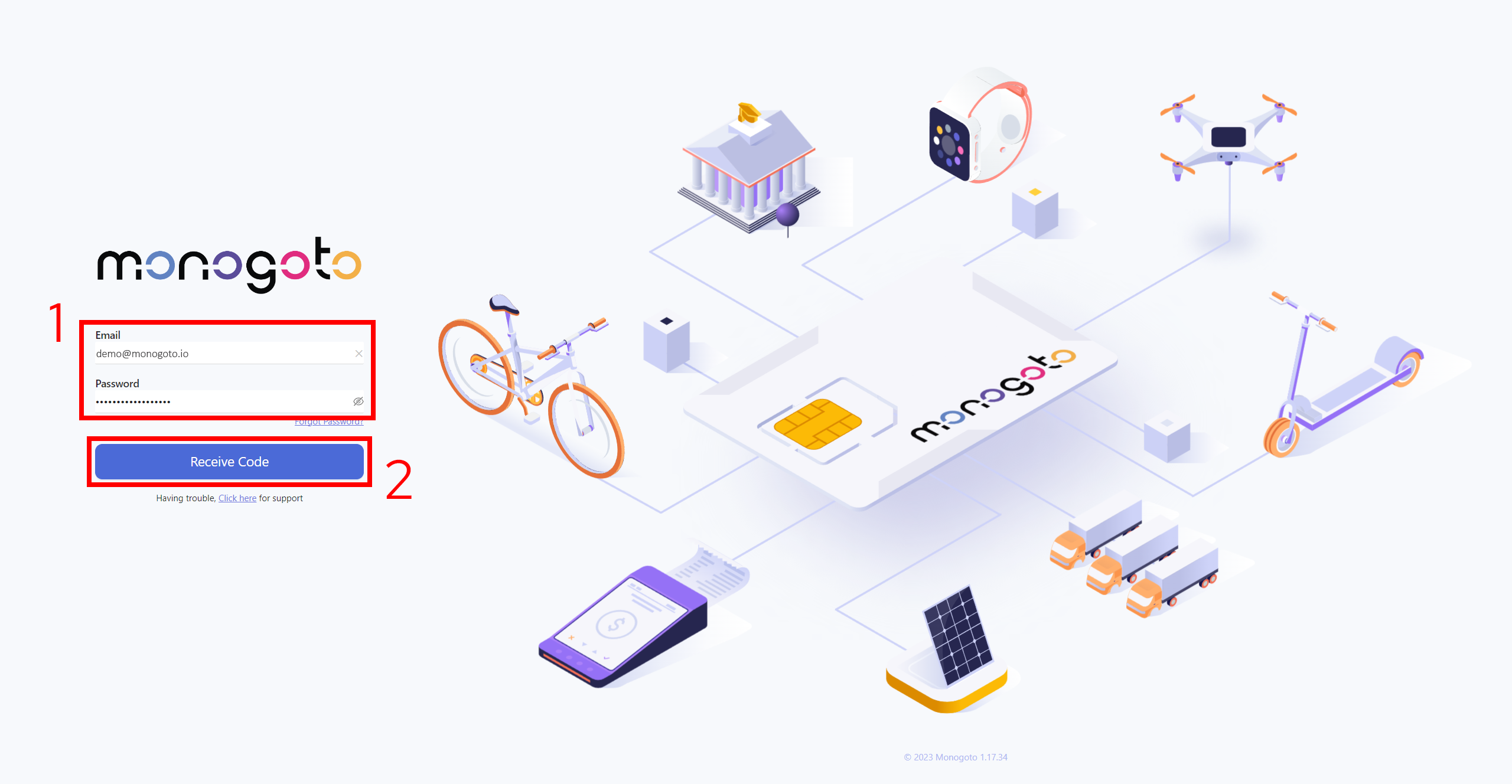
1. Go to the [Monogoto hub](https://monogoto.io/)
2. Enter your credentials and press on `Receive Code` button.
{% hint style="info" %}
* The email address is case-sensitive, thus please make sure to double-check the email address.
* In case you have access to Advanced Console, you should be able to use the same credentials to login into Monogoto Hub platform as well.
* In case you can not log in to Monogoto Hub platform, please contact [Monogoto Support](mailto:support@monogoto.io)
{% endhint %}
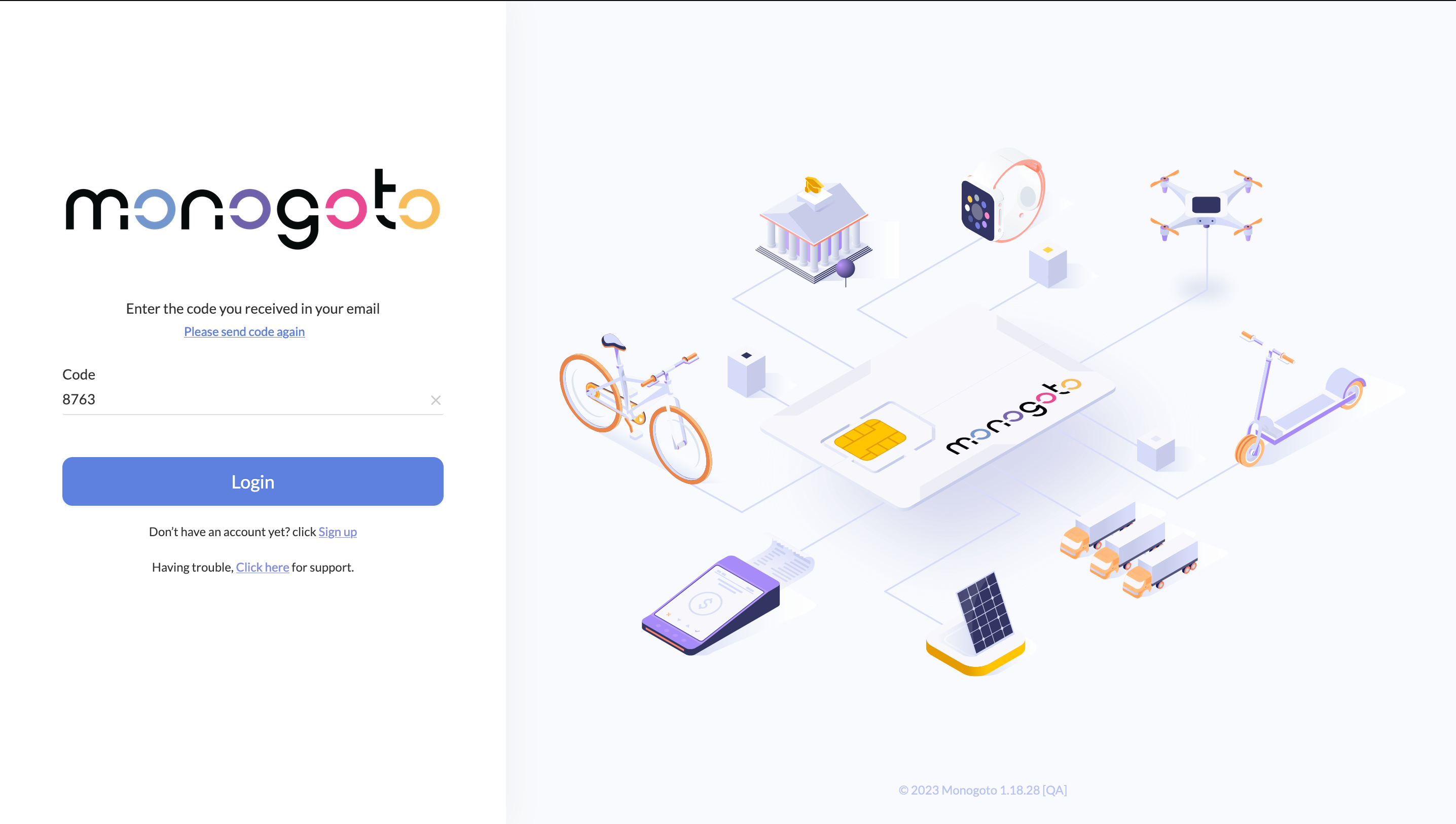
3. Copy the verification code we have sent to your email and click to login.
{% hint style="info" %}
In case you can not find the email with the confirmation code in your email inbox, please check out your email SPAM folder.
{% endhint %}
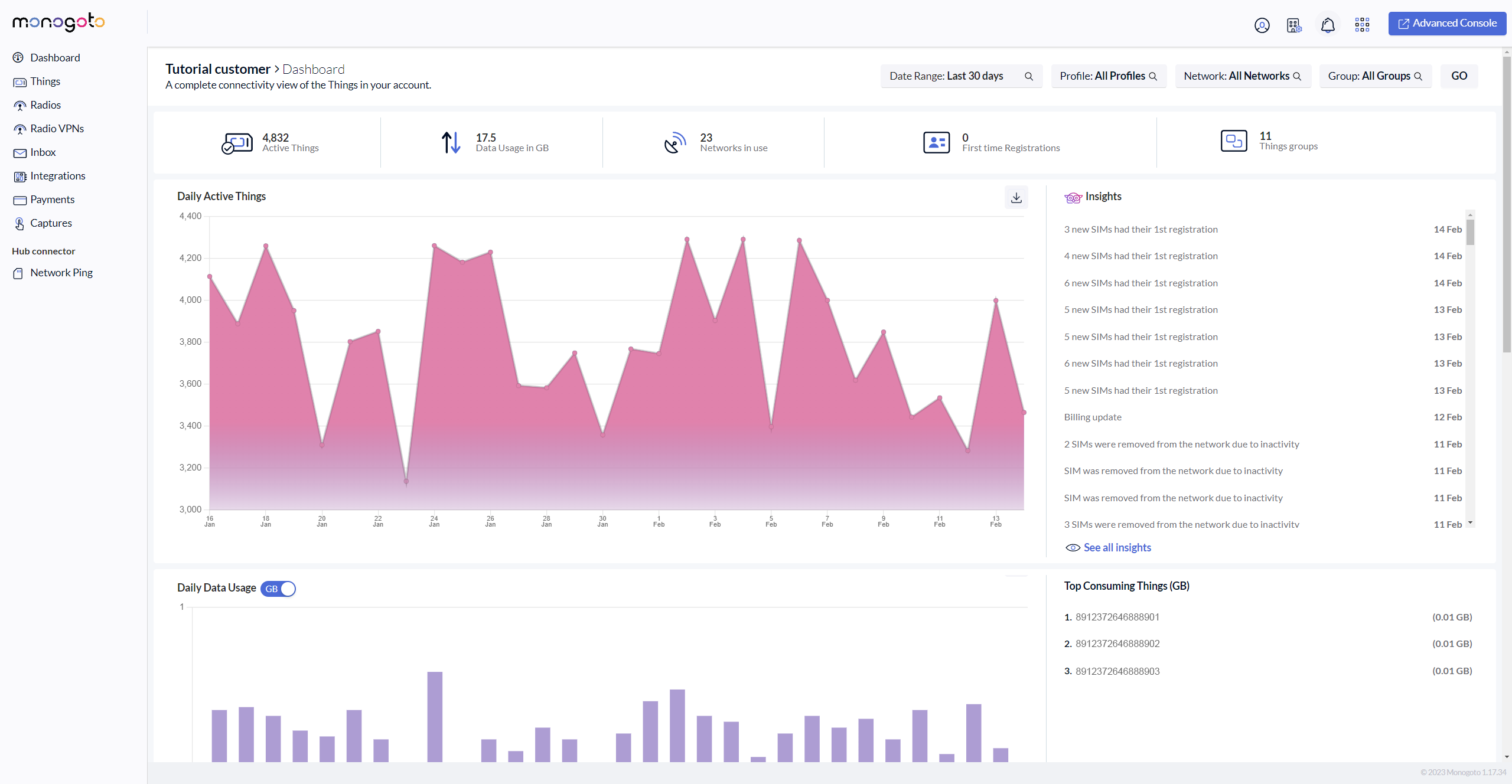
4. That's all, you are now logged in to your Monogoto hub account.