> For the complete documentation index, see [llms.txt](https://docs.monogoto.io/llms.txt). Markdown versions of documentation pages are available by appending `.md` to page URLs; this page is available as [Markdown](https://docs.monogoto.io/private-networks/cpe-and-ue/amit-idg500-0gt01.md).
# Amit IDG500-0GT01
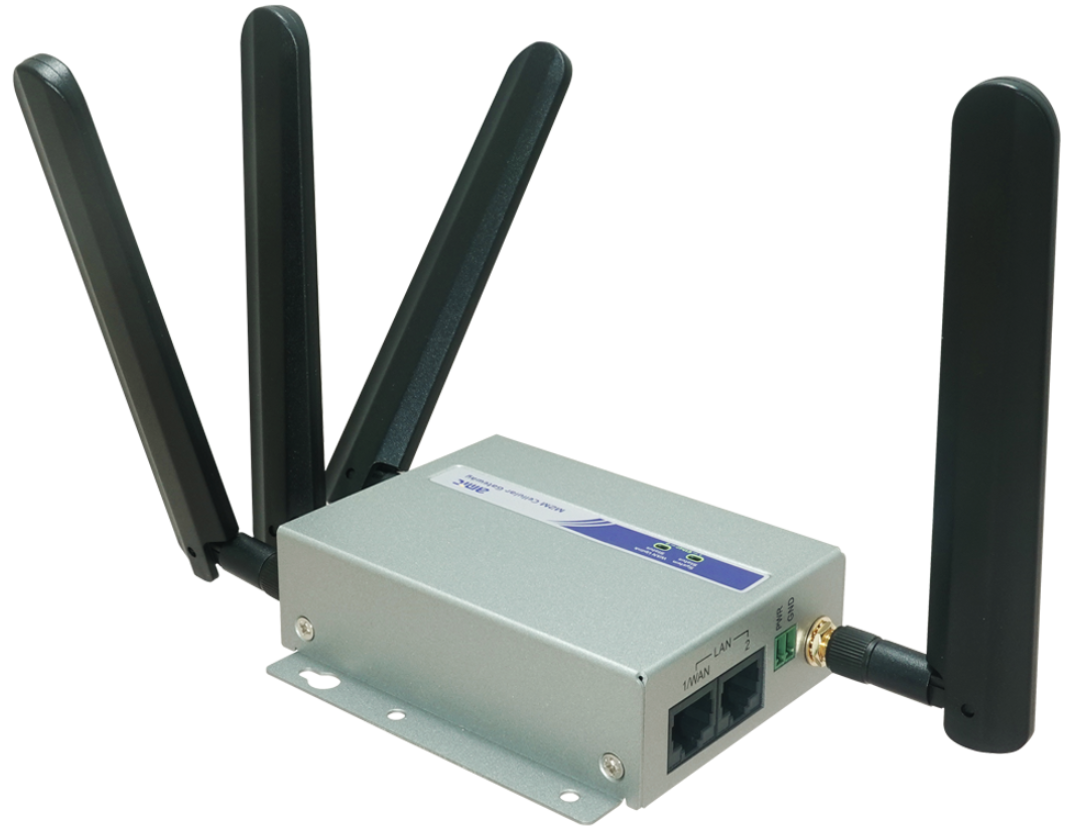
The IDG500-0GT01 Router is an LTE device that provides access to (private) LTE networks. It allows users to access the shared spectrum of the CBRS using LTE technology.
The IDG500-0GT01 supports high performance on 4**G/5G bands**.
Peplink MAX BR1 Mini 5G
### Prerequisites
* Monogoto SIM
* IDG500-0GT01
* Access to a private LTE network
## Connect the IDG500-0GT01
Start by inserting the Monogoto SIM into the IDG500-0GT01.
Connect the IDG500-0GT01 to your PC using the LAN Eth port.
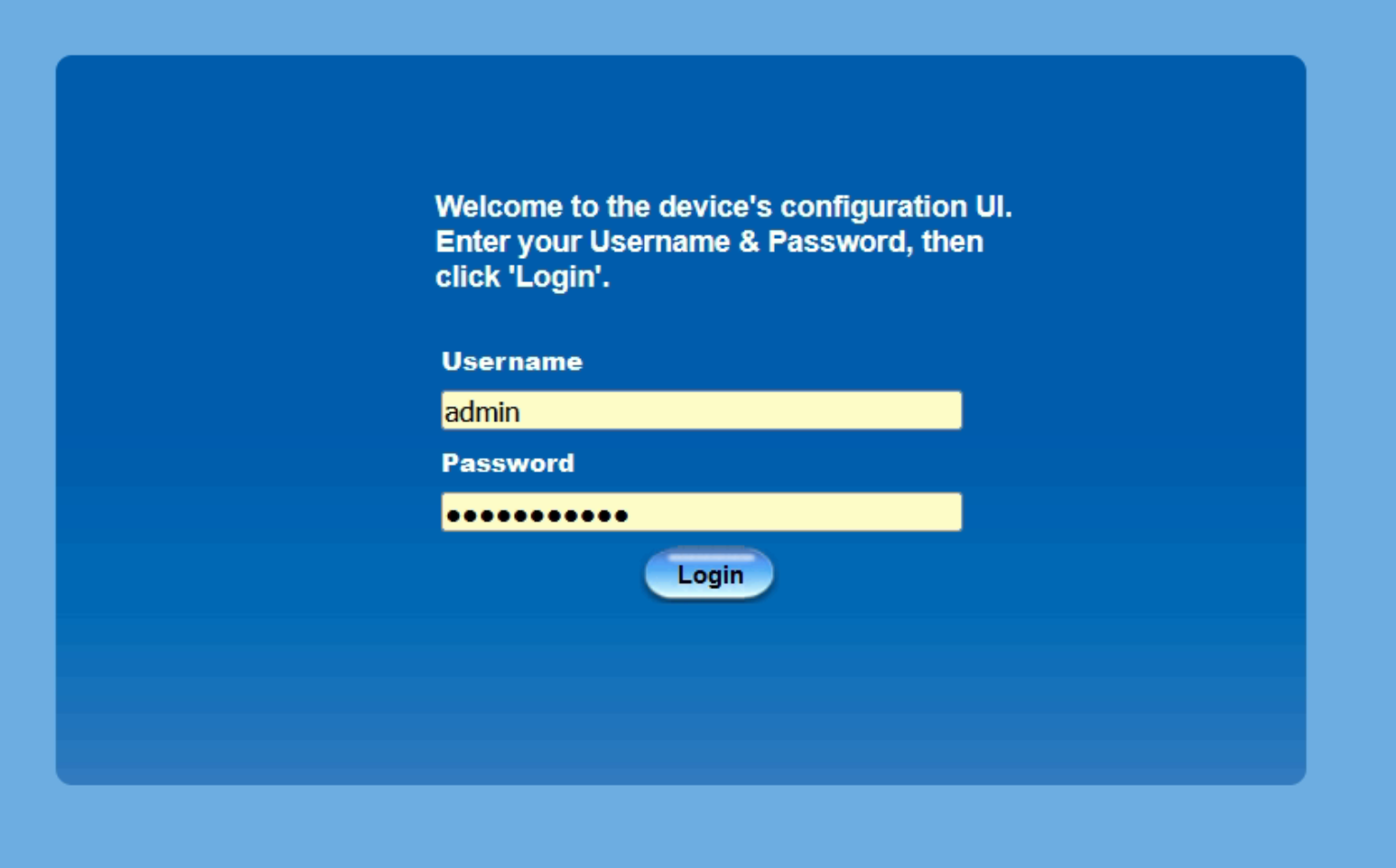
Open up a browser and visit the URL: **192.168.123.254**
Enter the user name and password and click Login. The default credentials are:\
Username: **admin** \
Password: **admin**
{% hint style="warning" %}
Make sure to change the password after your first login.
{% endhint %}
## APN Configuration
Open up the **Basic Network** Menu -> **Wan & Uplink** -> **Connection Setup**
Configure the APN to: **`data.mono`**
## Review the connection status
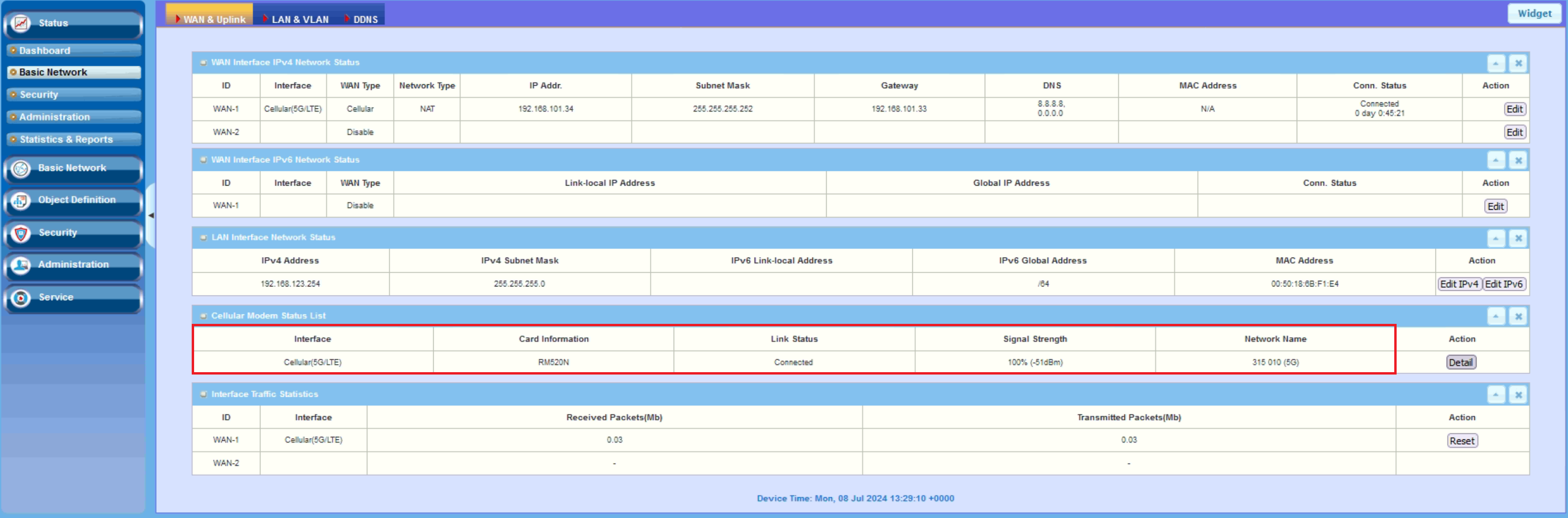
Open up the **Status** Menu -> **Basic Network** -> **Wan & Uplink** validate the connection with Monogoto's private network. If the connection was successfully established, the Link Status reports: **Connected**
## Useful Links
* [IDG500-OGT01\_specification](https://files.gitbook.com/v0/b/gitbook-x-prod.appspot.com/o/spaces%2F-M0mPxGpottOEfcucXOR%2Fuploads%2FOirmBw8UHFmwD7L65ZTp%2FUM_IDG500-0Gx01%20Series_MA1_20230908.pdf?alt=media\&token=d606c999-1259-4616-bd61-5de0284742b0)
* [ID500-OGT01\_datasheet](https://files.gitbook.com/v0/b/gitbook-x-prod.appspot.com/o/spaces%2F-M0mPxGpottOEfcucXOR%2Fuploads%2FrVGyEEYARKlHxgqmElkK%2FData%20Sheet-Global-IDG500-0GT01-20231120.pdf?alt=media\&token=874cba3d-e664-4f49-a7e7-246ac348e5f2)